A Stitchist guide
Use custom fonts for embroidery lettering
Stitchist Pro lets you upload TTF and OTF fonts for satin or fill lettering. An outline font is not a pre-digitized embroidery alphabet: its strokes and spacing still need to be evaluated at the intended sewing size. The uploaded font must contain the characters your text uses.
Start digitizing freeFree drawing tools and PES / DST export. One free Auto Digitize creation.
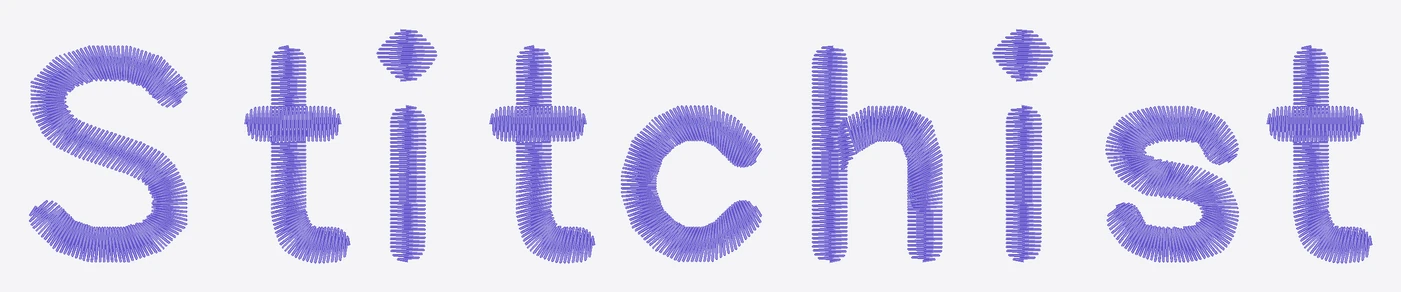
Check the font before upload
Use the original TTF or OTF file, not a font preview image or a ZIP of unrelated files. Confirm that the typeface includes the language and characters you need, and that your use is permitted by its license.
A font name is not enough to establish script coverage. If a character is missing, substituting a random glyph is not a reliable way to preserve the text.
Choose satin or fill deliberately
Narrow, column-like strokes can suit satin. Wide display letters can be more practical as fills. Very thin strokes, extreme contrast and decorative swashes can require a larger size or manual correction.
Inspect counters, joins, crossbars and dots after generating the lettering. Connected scripts need to be judged as complete words rather than isolated characters.
Review non-Latin text
For Arabic and other scripts, use a suitable font and compare the generated word with the intended text. Check direction, joining and letter forms. A font's successful upload does not prove that every word will be suitable for embroidery at every size.
Keep a visual reference of the text and ask a reader of the language to check unfamiliar lettering before sewing or delivering it.
Keep a reproducible source
Retain the font file, exact wording and size in your workflow. Save the editable project so you can regenerate a name or a new size instead of scaling a flattened machine file.
Test the final lettering on the intended fabric. A clean outline on screen is only the starting point for clean stitches.
Common questions
Are custom font uploads free?
Is a TTF the same as an embroidery font?
Can I upload a font for Arabic?
Put it into practice
Free drawing tools and PES / DST export. One free Auto Digitize creation.
Start digitizing free →Compare Free and Pro