A Stitchist guide
What an embroidery preview can and cannot tell you
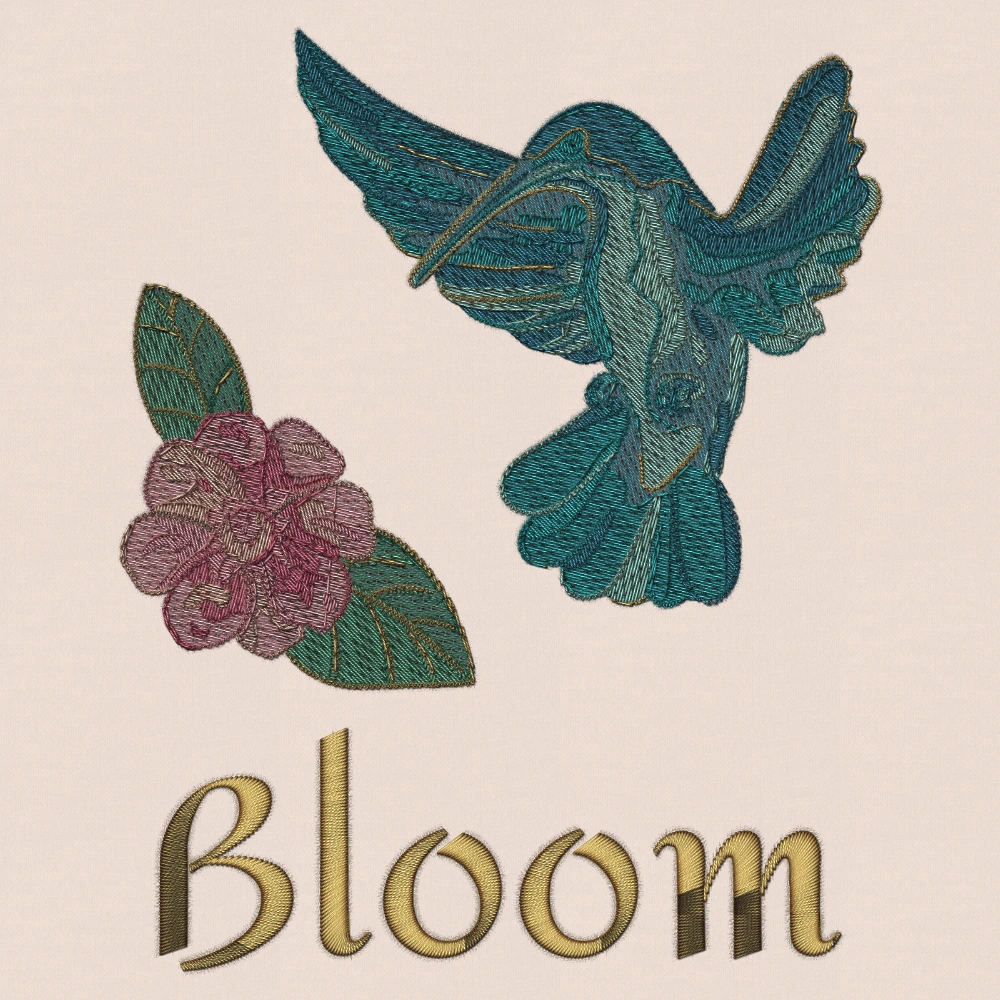
An embroidery preview helps you inspect stitch paths, colors, sequence and approximate thread appearance. It cannot reproduce the full behavior of your fabric, stabilizer, thread, needle and machine tension. A clean preview is useful evidence, not a guarantee of a successful physical stitch-out.
Start digitizing freeFree drawing tools and PES / DST export. One free Auto Digitize creation.
Use the preview for what it shows
Look for missing sections, unexpected color changes, exposed travel, long jumps and obvious overlap. Step through the design so a later object does not hide a problem in an earlier stage.
Compare the design at its intended dimensions. High zoom can make a tiny feature look more substantial than the physical thread mark will be.
Know what belongs to the sewing setup
Fabric can stretch, shift or show through. Stabilizer choice, hooping, needle condition, thread and machine settings can change the outcome. Those conditions are outside a geometric stitch preview.
A realistic rendering is a visualization, not a photograph of a verified sample. Use it to communicate appearance without treating it as a substitute for testing.
Check each exported format digitally
Different formats can round coordinates, split long stitches, store colors differently and encode commands differently. Open each delivery format in a suitable viewer or machine workflow and compare dimensions, stitch count and sequence.
A physical test of one format at one size gives evidence about that stitch design and setup. It does not prove that every format, model and size will behave identically.
Keep a record of the test
Record the size, material, stabilizer, thread and machine used. If a later revision changes lettering, density, order or dimensions, decide which affected parts need another sample.
For designs you distribute, keep file names and size information clear so the recipient can select the output you actually prepared.
Common questions
Can the preview prove a design will not pucker?
Do all formats store identical colors?
Can I use the rendering as a product illustration?
Put it into practice
Free drawing tools and PES / DST export. One free Auto Digitize creation.
Start digitizing free →Compare Free and Pro